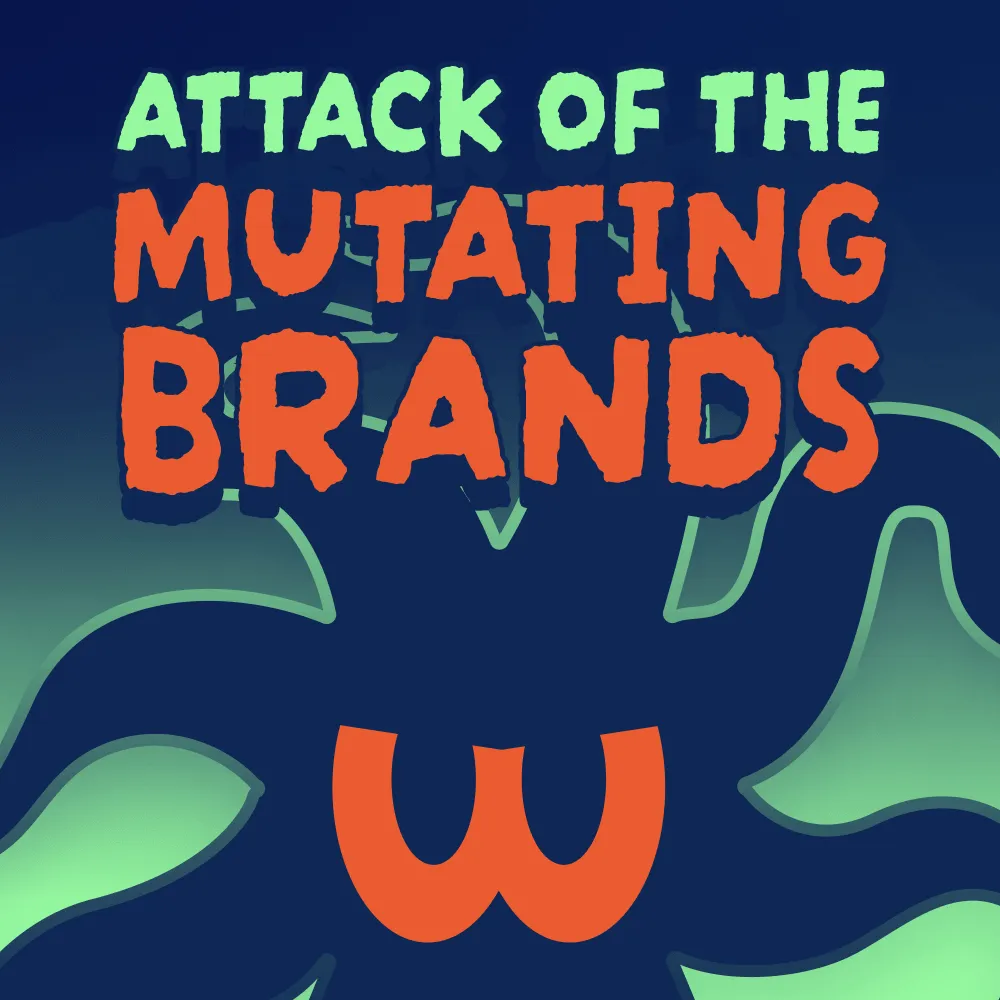
Lottie Animations That Do Not Slow You Down
Lightweight Lottie animations that add motion and personality to your site without dragging the load time down with them.



























Motion Without the Weight
A well-placed animation can make a site feel alive: a loading state that entertains, an icon that responds, an illustration that moves as you scroll. The catch is that clumsy animation bloats a page and undoes all your speed work.
Lottie gives you motion that stays light, and we use it with a bit of discipline.
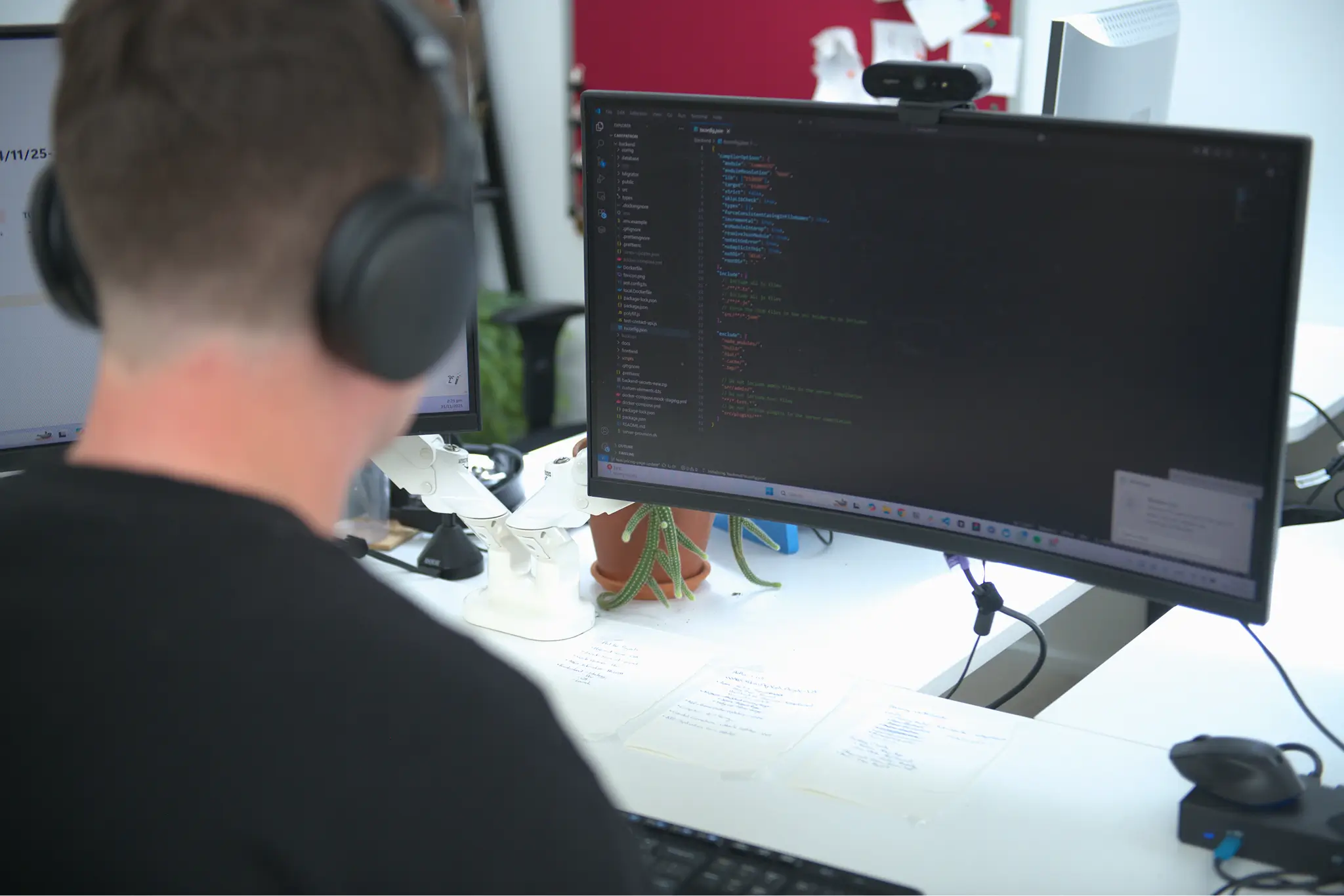
Let’s Build Something Great Together
A rebrand. A new website. A custom app. A better way to show up online. Whatever's next, let's make sure your digital presence is ready for it.
Lottie animation that stays light on its feet
Animation is easy to overdo and easy to bloat a page with. Done with restraint, it adds life. Done carelessly, it just makes everything load slower.
We create Lottie animations that bring a bit of motion and character to your site, from subtle icon animations to full illustrated sequences. Because Lottie is vector-based and tiny, it looks crisp at any size and barely touches your load time.
The trick is knowing when to use it and when to hold back. We add motion where it earns its place, not just because we can.
People Like You Who Asked Themselves “What IF ?”
"I approached Isaac on behalf of our organisation after we were experiencing bandwith issues that resulted in large bills each month. Isaac quickly identified the problem and sorted it out for us immediately, resulting in our monthly bills being cut in half."

"The What IF Web team are a great asset to help our business achieve our website goals. They provide timely insight and advice and are proactive in getting projects done. Would recommend them to anyone looking for website design or development resources."

"Creative legends. We didn't want a boiler plate template, but someone who could take our brand guidelines and raise them to the next level. Tom was great to work with, communicated well, and understood what we were after first time. Highly recommended!"

"I've been very impressed by the team at What IF web. They have completely smashed it, giving us a website design that is streets ahead of what we had."

"They produced A+ outcomes within the timeline and budget agreed upon. I highly recommend them to anyone needing a Webflow build or redesign."

"The team did a great job delivering a great website experience. They are very responsive and great to work with."

"I highly recommend What IF Web to anyone seeking a professional service and a finished product that effectively attracts the right users to your platform."

"I can confidently recommend the What If Web team to any business looking to stand up a modern, great looking and well crafted site."

Frequently Asked Questions
What is a Lottie file and why use it on a website?
A Lottie file is a JSON-based animation format that renders vector animations in a browser at a fraction of the file size of a GIF. They're smooth, scalable, and lightweight, making them well-suited for micro-interactions, product demos, and UI animations on websites. The main trade-off is that they require more care to optimise than a simple image file.
How do I reduce Lottie file size?
Keep your source graphics as vectors rather than raster images, avoid drop shadows and masks, keep the layer structure simple, and export to .Lottie format rather than JSON. The .Lottie format compresses significantly smaller than the standard JSON export. Tools like LottieFiles' converter make this straightforward.
Why does my Lottie animation look different in Safari?
Safari handles certain Lottie features inconsistently, particularly masks and complex blend modes. The safest approach is to avoid masks entirely and use clever layering and opacity changes instead. Testing in Safari during the design phase saves a lot of debugging later.
Should I lazy load Lottie animations?
Yes, especially if the animation is below the fold or the page has multiple animations. Lazy loading means the animation only loads when it's about to enter the viewport, which keeps initial page load fast. Running several Lottie animations simultaneously can noticeably impact performance.
Can I use raster images inside a Lottie animation?
Technically yes, but it's worth avoiding where possible. Raster images baked into a Lottie file increase the file size considerably and can cause rendering issues. If you need a product shot or photograph in an animation, optimise it separately with a tool like TinyPNG and import it as a static element rather than embedding it in the animation itself.